The New Year Resolution Every Founder Needs - Win Back Time with an AI Assistant for Your Small Business

CEO The Librarian
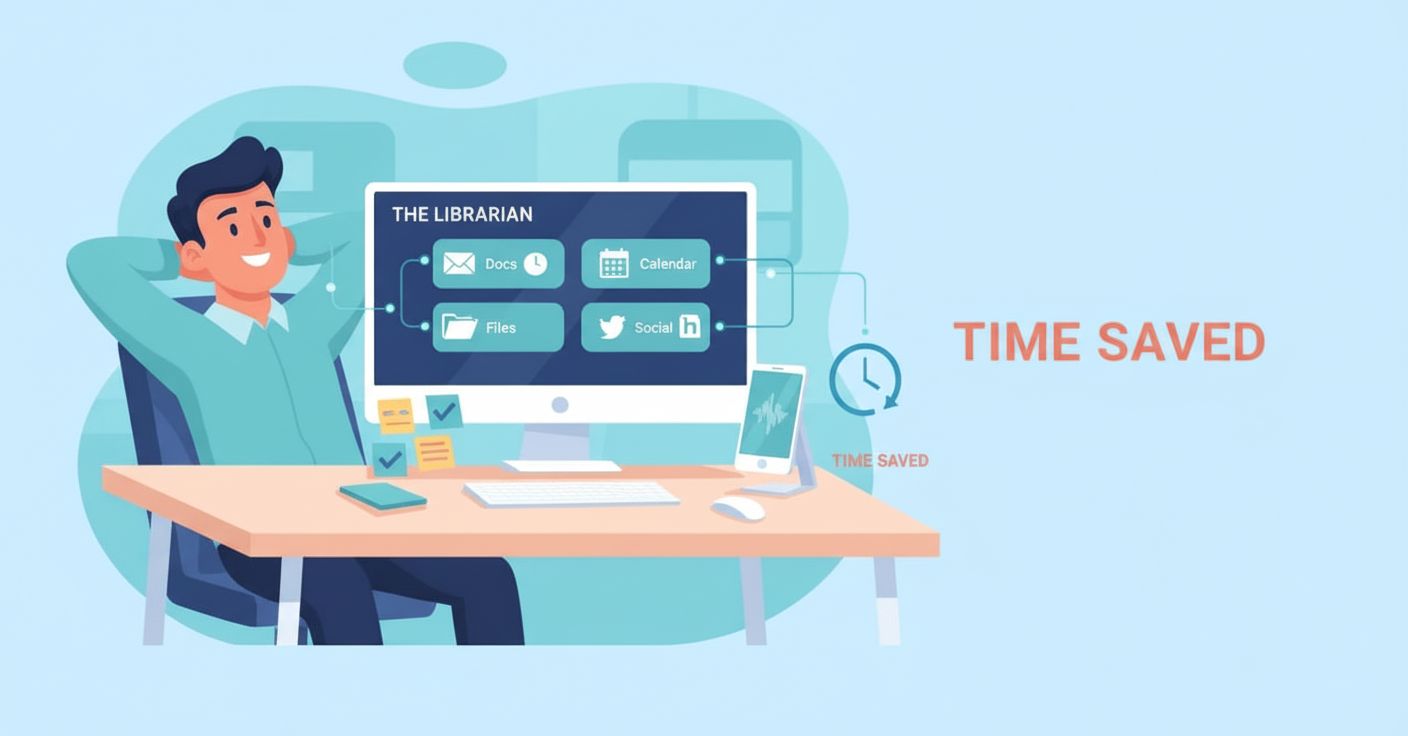
Discover how small business owners save 10+ hours weekly with an AI executive assistant that automates admin tasks, follow-ups, scheduling, and social media posting for just $10/month. Turn voice notes into actions across all your tools effortlessly.
Every January, small business owners make the same resolution: work smarter, not longer.
But by February, the inbox is full again, follow-ups slip, and admin quietly takes over the day. The problem is not motivation. It is leverage.
If you run a small or medium business, you are juggling sales, hiring, operations, customer support, finance, and marketing with limited time and headcount. A full-time executive assistant would help, but at a few thousand dollars a month, it is out of reach for most founders.
This is where The Librarian fits. It is an AI assistant for small business owners that works inside your existing tools, turns voice or text into action, and helps you win back hours every week without adding another app to manage..
How an AI Assistant Helps Small Business Owners Save Time
- Works where you already work: email, calendar, files, GitHub, and social media.
- Voice-first or text: speak a command while walking between meetings, or paste a chat thread for instant follow-through.
- Smart defaults: it drafts, schedules, files, and tags using templates you define, then learns what “good” looks like for your business.
- Action confirmations: you get clear previews for anything that goes out on your behalf so you always stay in control.
A Typical Day Using an AI Executive Assistant as a Founder
- 8:15 AM: You finish a customer call. You say, “Send a follow-up to Jessica asking for an intro to her cousin who is a real estate agent.” The Librarian drafts, addresses, and queues the email with a clean summary of context.
- 11:40 AM: A teammate reports a bug with screenshots in chat. You forward it to The Librarian. It creates a well-scoped GitHub issue with reproduction steps and labels so your devs can jump in.
- 12:35 PM: You say, “Find my Q3 revenue breakdown and the latest contract template v2 from Drive and uploaded files.” The Librarian surfaces the latest versions, shows quick previews, then drafts a one‑page summary and an email to the client with both files attached.
- 2:05 PM: You agree on a meeting slot for Wed 3:30 PM with a client over WhatsApp. You paste the messages and say, “Schedule this call.” It creates the calendar invite, adds the Zoom link, and includes the agenda.
- 6:10 PM: You want to post a quick update on LinkedIn. You say, “Draft a post summarizing our product milestone and generate a supporting image.” It drafts the copy and image, then publishes for you.
The Most Valuable AI Assistant Use Cases for Small Businesses
Most New Year business resolutions come down to three things: respond faster, drop fewer balls, and stop doing work that should be automated. These are the use cases where The Librarian delivers immediate wins for small business owners.
1. Quick email follow-ups that actually get sent
- The pain: Intent is high right after a call, but context slips and follow-ups get delayed or lost.
- The Librarian: You just say what you want done. It drafts the email, adds relevant context from your notes, includes the ask and next steps, and queues it for you to approve or send. This keeps momentum with prospects, partners, and candidates.
- Impact: More replies, shorter sales cycles, and fewer loose ends.
- See it in action here
2. GitHub integration that turns chaos into clean tickets
- The pain: Bugs and feedback come in via screenshots, Slack threads, and forwarded messages. Translating them into actionable tickets takes time.
- The Librarian: Forward the screenshots and text. It creates a new GitHub issue with title, description, steps to reproduce, expected vs actual, environment details, labels, and assignees. It can also link duplicates and add milestones.
- Impact: Higher dev throughput, fewer back-and-forth clarifications, faster releases.
- See it in action here
3. Hands-free scheduling that reads the thread for you
- The pain: Pinning down time is tedious, and moving between messaging apps and calendar breaks flow.
- The Librarian: Paste the conversation or just say, “Schedule this call.” It parses dates and times, creates the calendar invite with Zoom, adds the other party, sets an agenda, and sends confirmations.
- Impact: You never open your calendar manually, and meetings are set with context, not chaos.
- See it in action here
4.Social media posting without the hassle
- The pain: Inconsistent posting hurts brand and pipeline, and creating assets takes time.
- The Librarian: Drafts post copy in your tone, generates a supporting image, suggests hashtags, and publishes to LinkedIn or other channels you connect. It can repurpose content from product updates, blog posts, or support wins.
- Impact: Consistent presence, better reach, and a professional brand without extra overhead.
- See it in action here
Other common wins for busy founders
- Inbox triage: Summaries, suggested replies, and priority flags for customers, investors, and hiring.
- Customer handoffs: Turn a conversation into a support ticket, tag the right owner, and set follow-ups.
- CRM hygiene: Log calls, notes, and next steps automatically so pipeline stays fresh.
- Meeting briefs: Get a quick profile and goals 15 minutes before the call so you show up prepared.
- Affordable leverage: For 10 dollars per month, you get EA-like support that scales with you.
How to get the most out of The Librarian in week one
- Set simple voice templates: “Send a follow-up to [name] about [topic] with [ask].”
- Connect your tools: Calendar and Zoom first, then add GitHub and LinkedIn if you use them.
- Start with one ritual: After every call, speak your follow-up. Let momentum compound.
- Use paste-then-act: For scheduling, paste the chat thread and say, “Schedule this call.”
- Review and refine: Approve the first few outputs, nudge tone and format, and it will adapt.
Turn Your New Year Resolution into a System
The mistake most founders make is relying on willpower. Productivity only sticks when it becomes a habit. The Librarian works best when it is part of a simple daily ritual: speak your follow-up after every call, paste the thread when a meeting is agreed, and let admin happen in the background. That is how founders consistently save hours every week, not just in January, but all year long.
The bottom line
This year, small and medium business owners do not need more apps, longer days, or better intentions. You need an AI assistant for your small business that turns intent into action immediately.
The Librarian handles follow-ups, scheduling, GitHub issues, inbox triage, and social posts using voice or pasted context, so admin stops stealing time from building the business. For $10 per month, it is executive assistant leverage that finally fits a founder’s reality.